EdenSpark Update 0.0.5.7
Inertial Blending in Animator
The Animator component now supports inertial blending — a technique that produces smooth, natural-looking transitions between animation states without requiring explicit transition clips. Instead of cross-fading linearly, inertial blending preserves the momentum of the current pose and decelerates it organically into the target animation, eliminating the stiff "pop" that is typical of linear cross-fades.
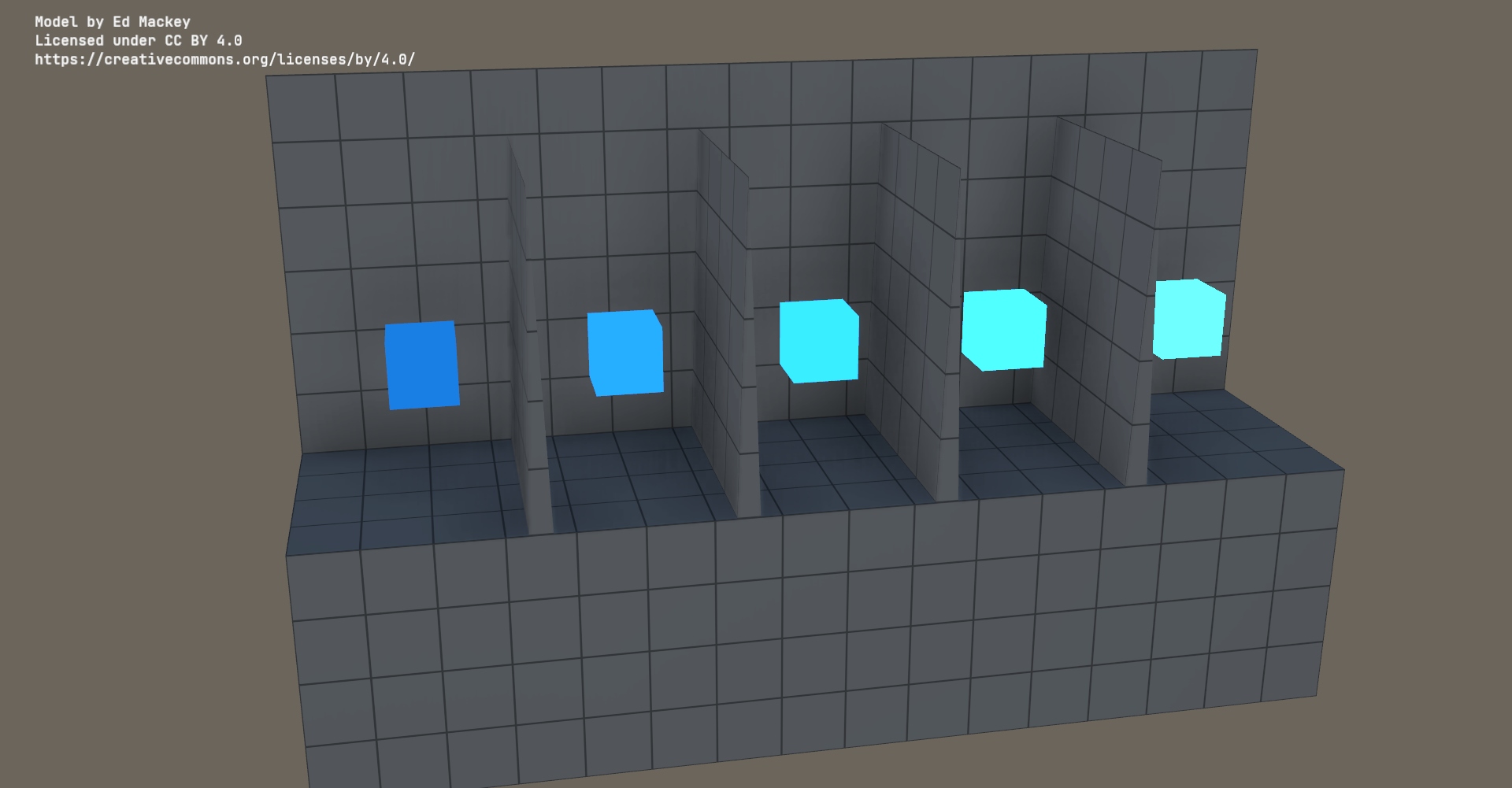
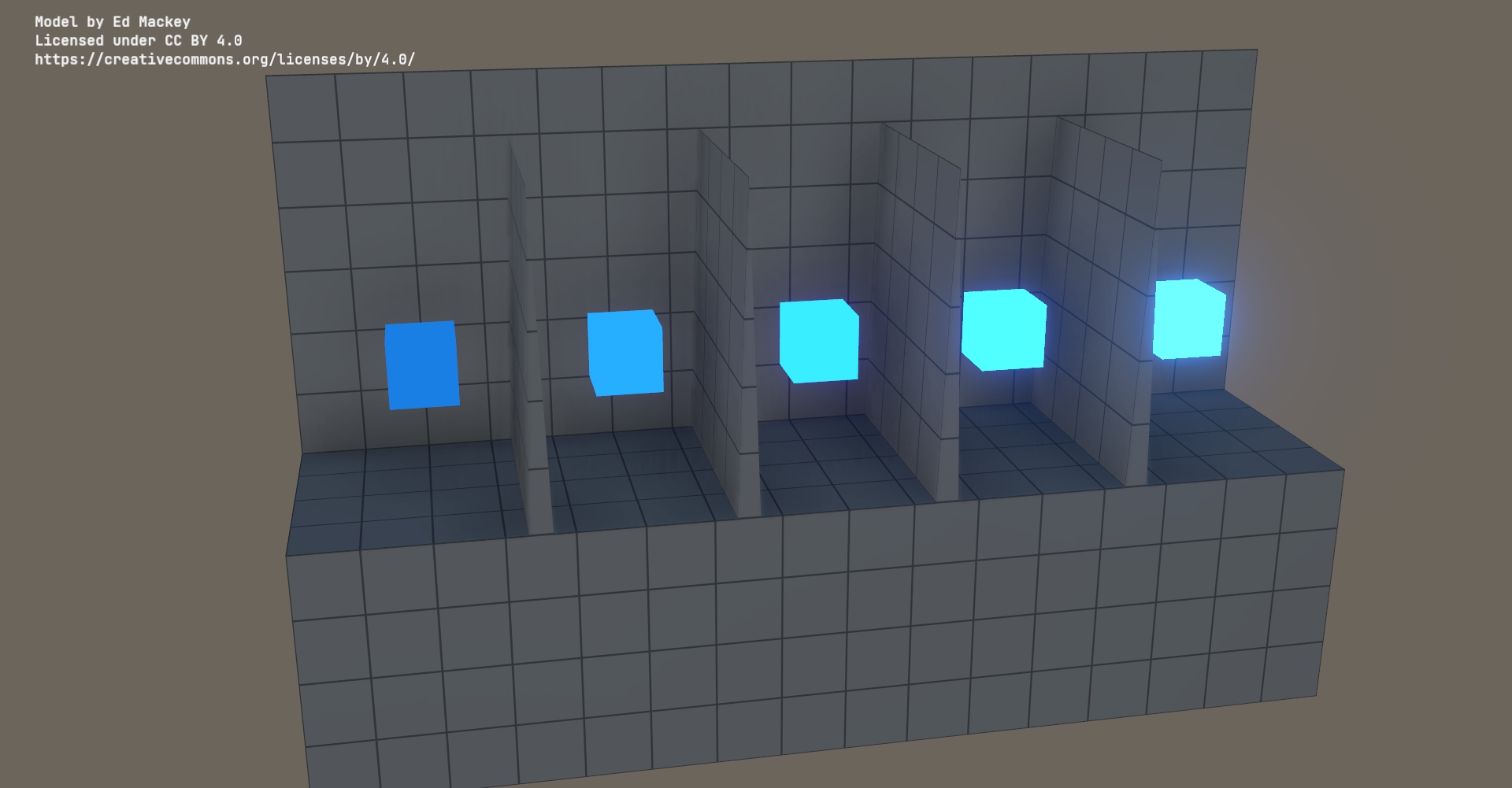
Bloom in Standard Renderer
Standard Renderer now supports the bloom effect. With the new Bloom component you can make your objects glow. The component can also be used to tune bloom in HD Renderer.
Blur in Standard Renderer
Now you can blur the frame in Standard Renderer by using the new Blur component. Together with rendering into a render target, it can be used for blurring backgrounds in your games. Currently the component works only in Standard Renderer because HD Renderer doesn't support multi-camera rendering without which the component is almost useless.
Collider editing improvements
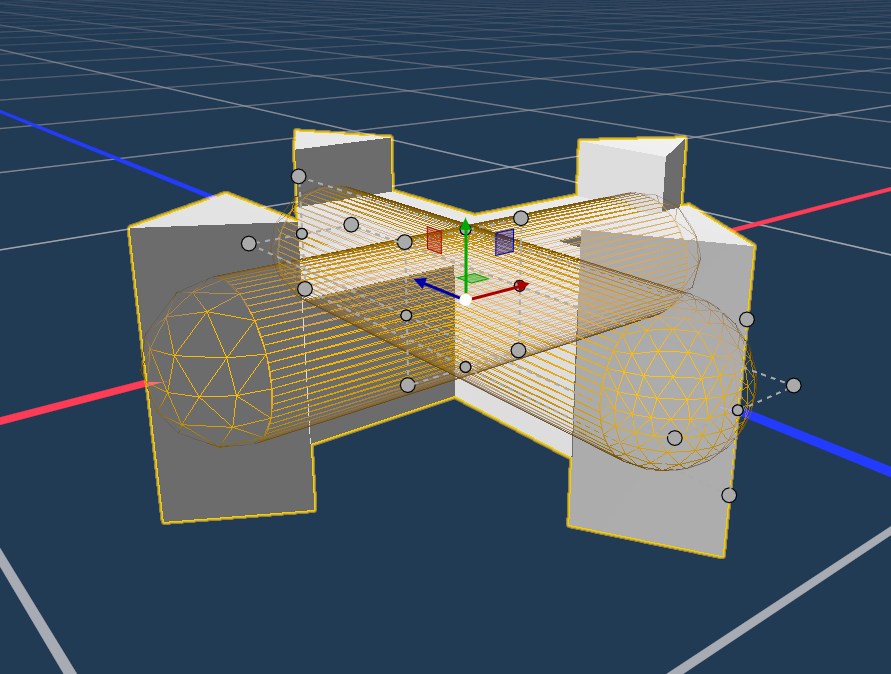
Editing colliders in the scene editor is now more reliable: several issues that could cause unwanted shapes to appear, incorrect debug bounds, and lost edits have been addressed. The currently edited collider is also highlighted in the viewport so it is easier to see what you are working on.
Cube Sphere is now the default sphere shape
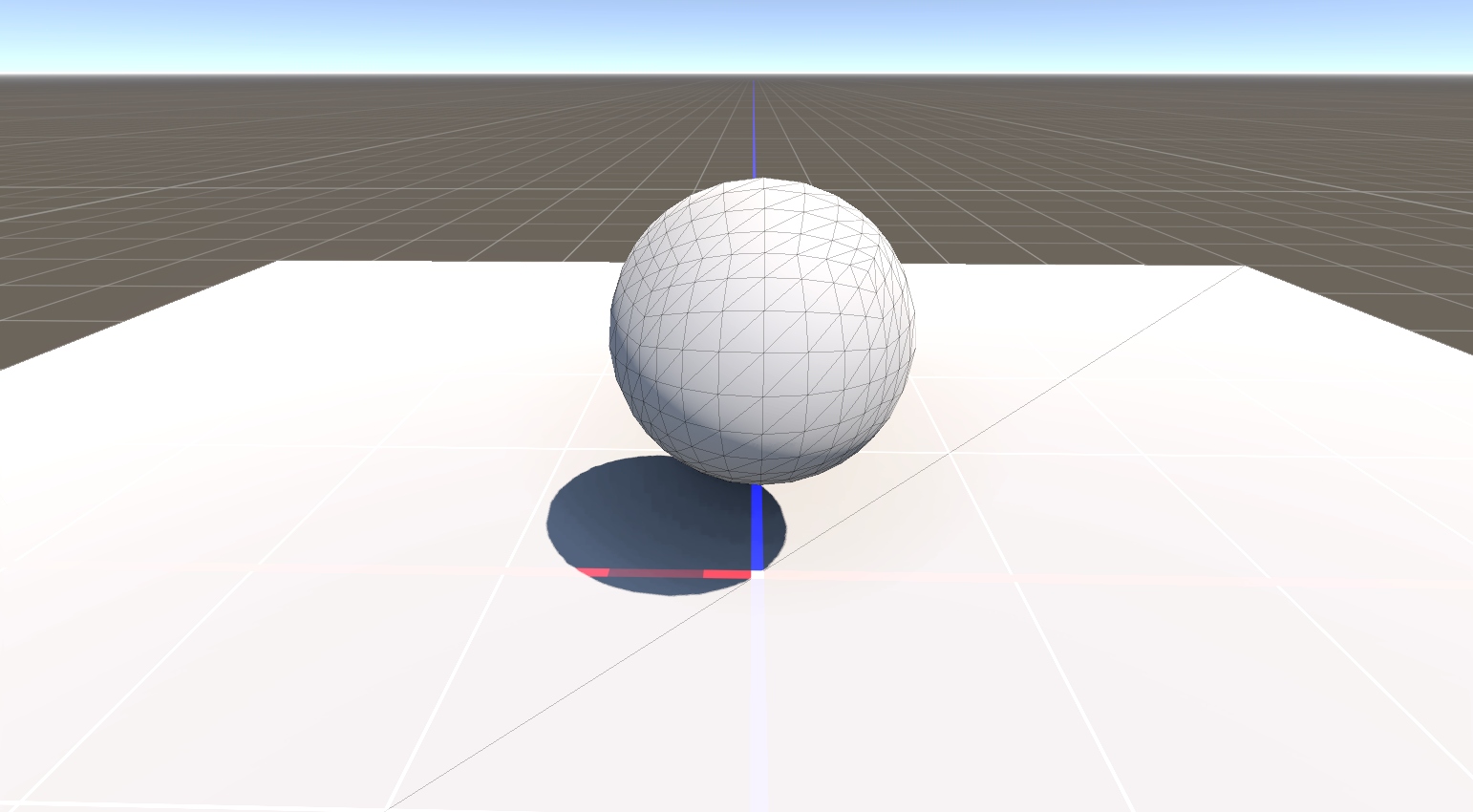
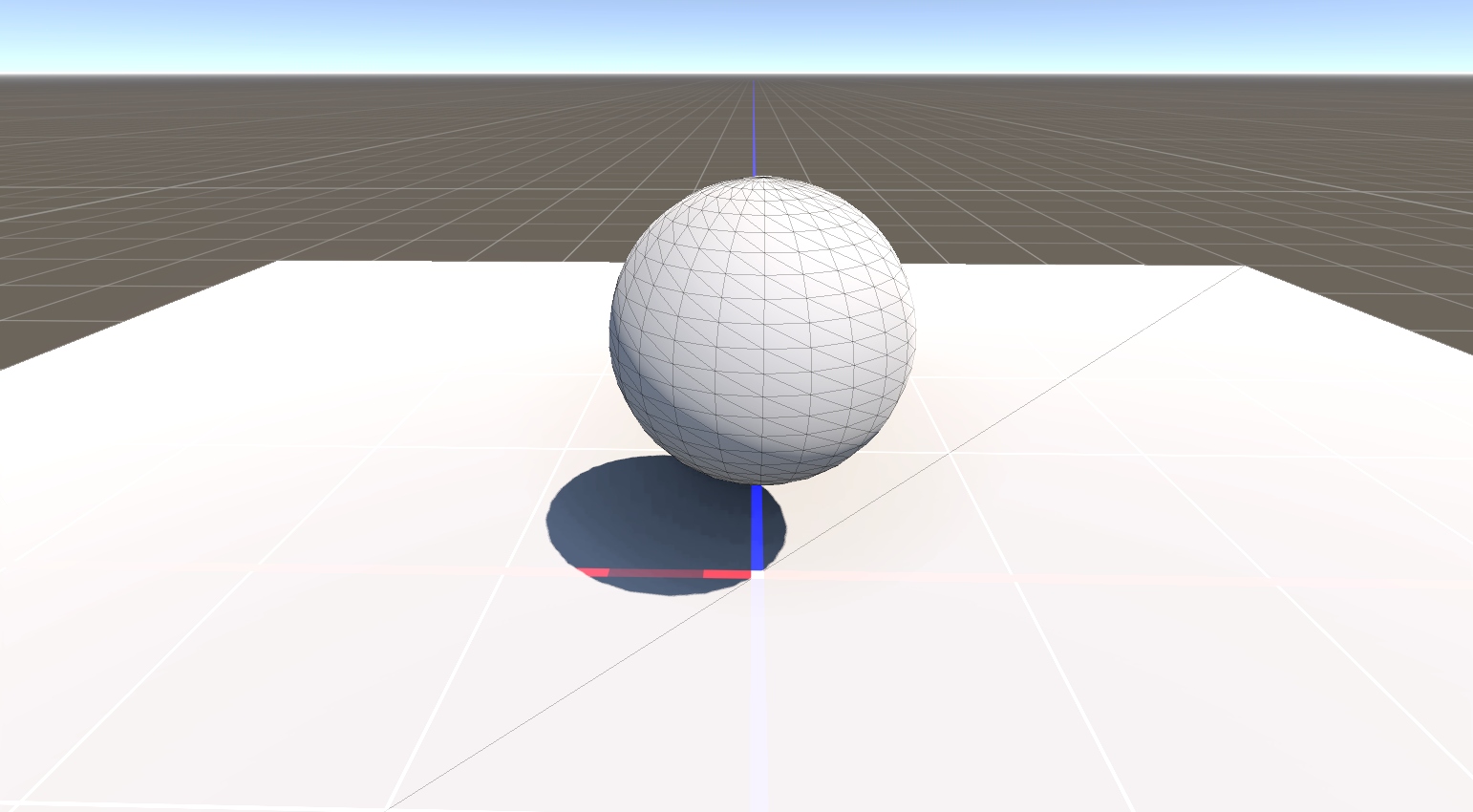
Cube spheres are now the default when adding a sphere primitive to the scene. Compared to the classic UV sphere, a cube sphere distributes vertices and UV space more evenly across the surface — a de-facto industry standard that works better with textures, normal maps, and subdivision. UV spheres are still available as an alternative.
Realistic water in HD Renderer
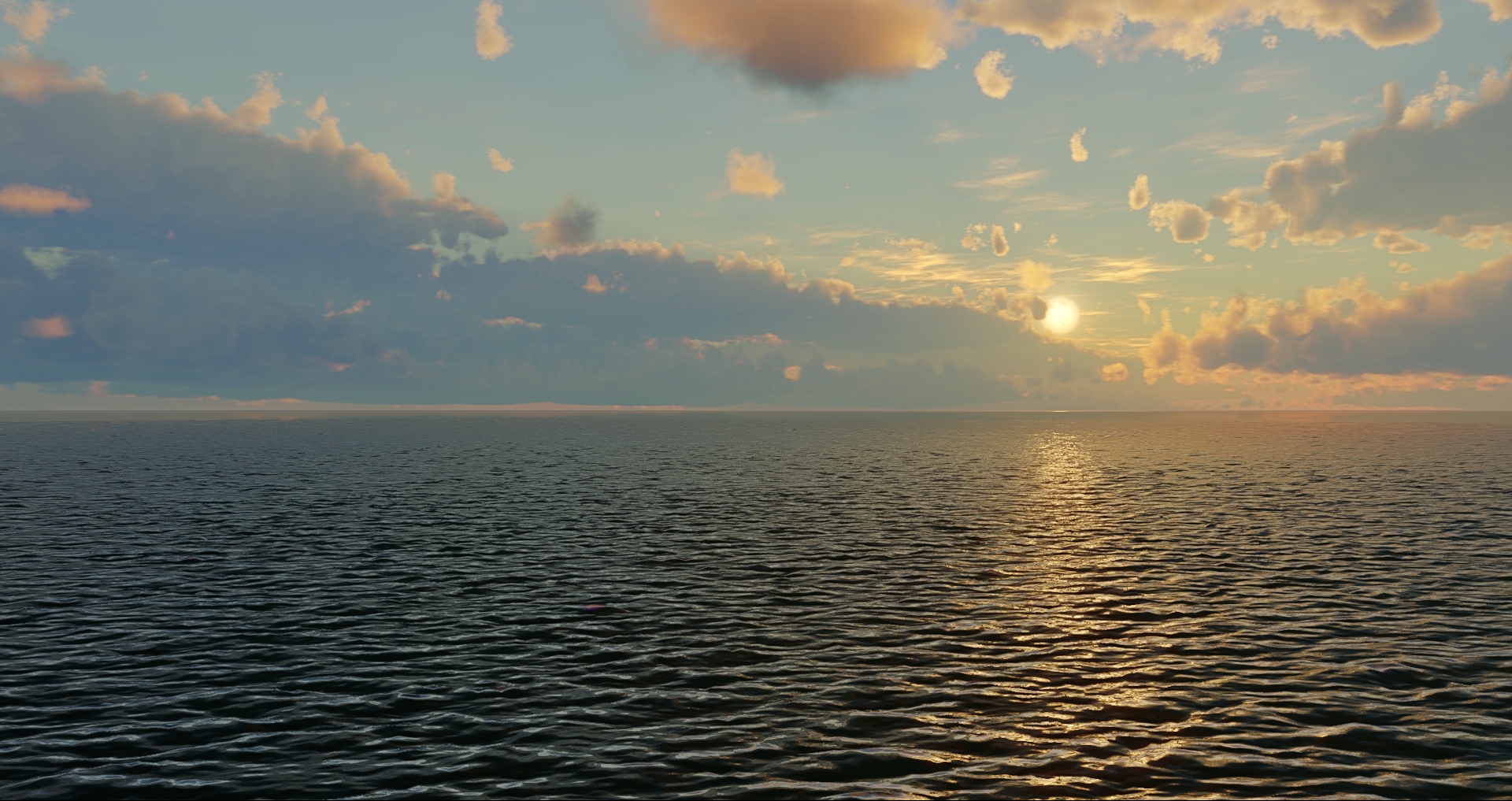
Now when using HD Renderer you can add realistic water to your scene using the new HDWater component. It's represented by an infinite plane with a water surface simulated on top and underwater rendering enabled below. Right now it's in progress, with heightmap, flowmap and effects to be added later.
Launcher
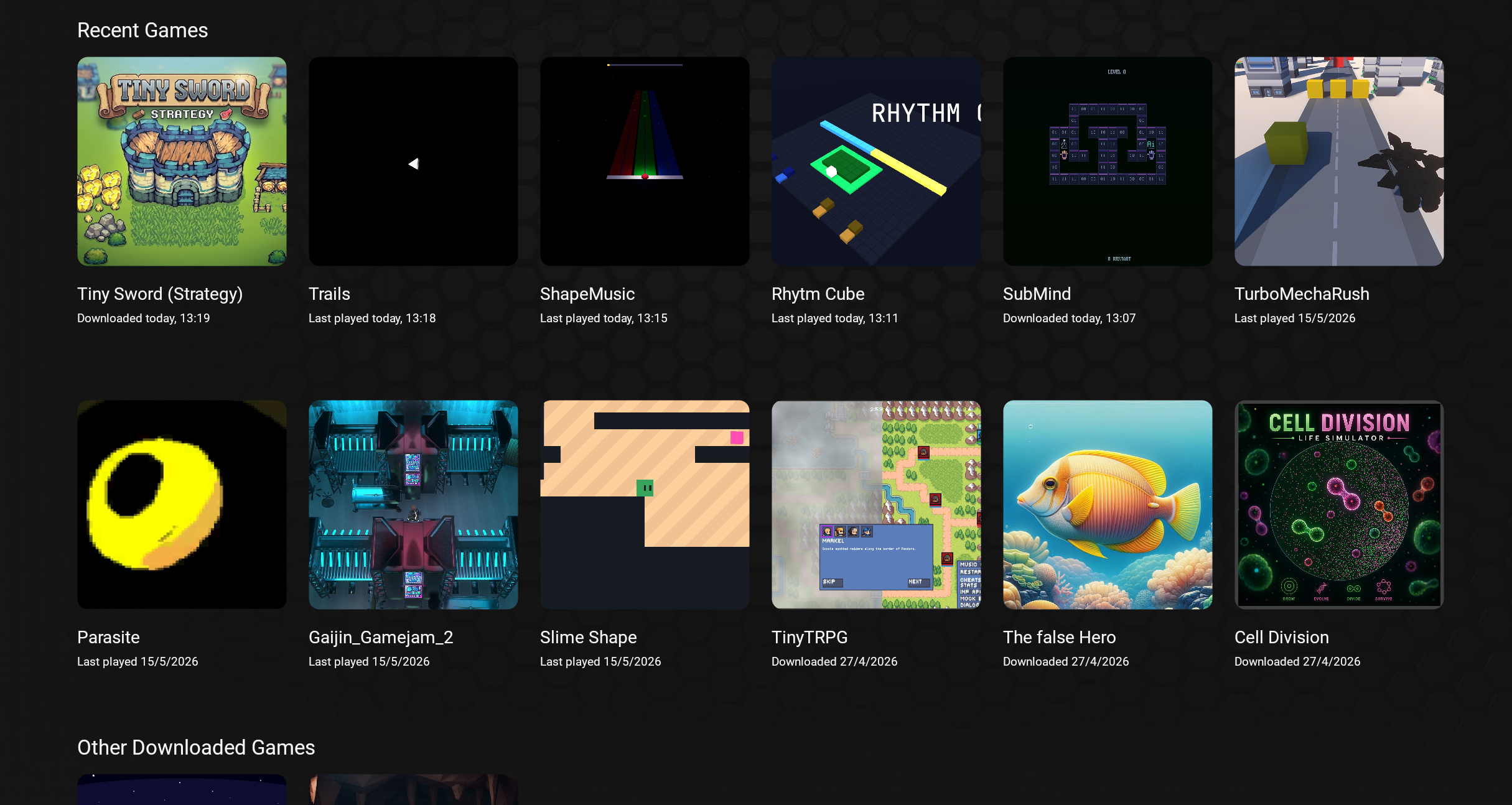
The Home tab now displays games in a grid layout instead of a horizontal scroll area, making navigation easier on both mouse and gamepad. Recent Games shows the 12 most recently played titles, with the rest available under Other Downloaded Games. User projects now use a similar grid.
MCP tools for editor automation
A batch of new MCP tools makes it possible for an AI agent (or any MCP client) to inspect the scene and drive the editor end-to-end - without touching the UI.
Pixel shaders in Daslang
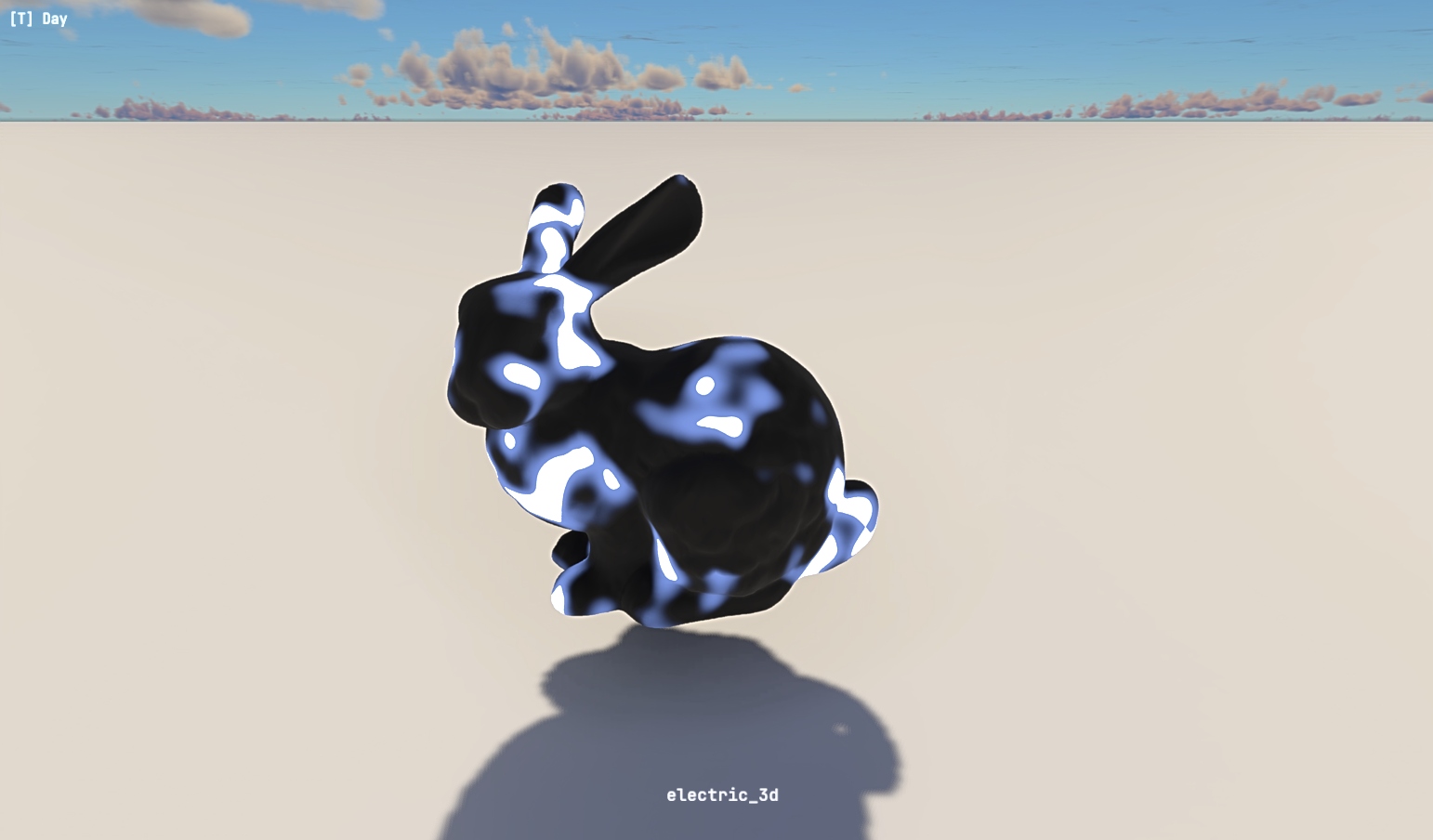
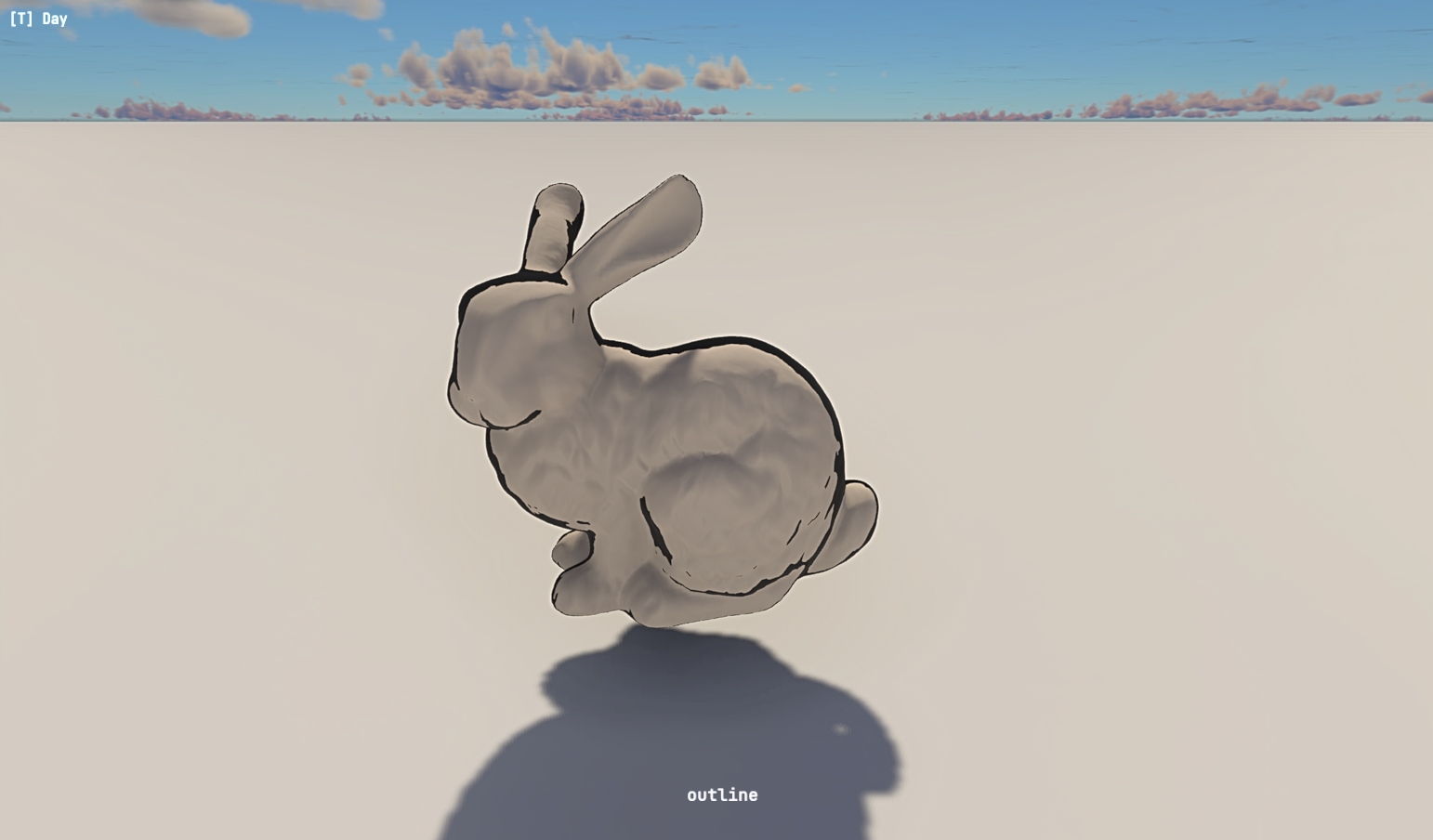
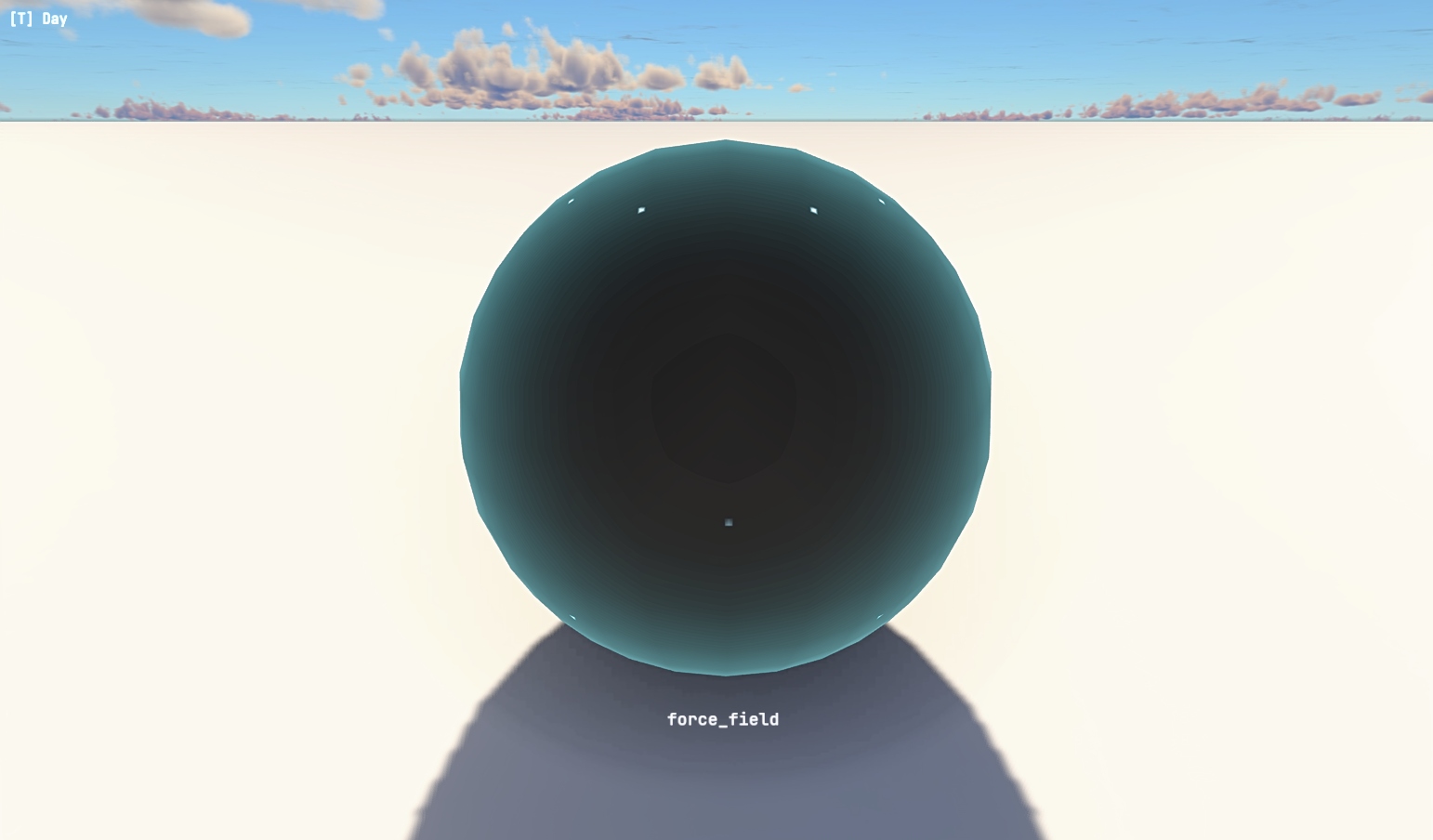
You can now write custom pixel shaders directly in Daslang. Create a .shader file, choose it in material Importer window and then attach this material to mesh.
var {
    @color rimColor = float3(0.0, 0.5, 1.0)
    speed = 4.0
}
[pixel_shader]
def fresnel_pulse(inp : PbrInput) {
    let rim = fresnel(3.0, inp.worldNormal, inp.viewDir) * rimColor
    let pulse = remap(sin(g_Time * speed), float2(-1, 1), float2(0, 1))
    return PbrOutput(
        emission = rim,
        emissionStrength = length(rim) * pulse * 5.0,
        metalness = 0.0,
        roughness = 0.0
    )
}
Properties declared in the var {} block appear as per-material sliders and color pickers in the editor. The @color annotation switches the field to a color picker.
Shaders have access to geometry data (worldPos, worldNormal, viewDir, uv, localPos), global scene inputs (g_Time, g_LightDirection), and a set of built-in operations:
- Surface — fresnel(power, normal, viewDir)
- Noise — noise(float2), noise(float3) — returns values in 0..1
- Utility — remap, smooth_step, step, one_minus, saturate
- Textures — tex2d(sampler, uv), declare as myTex = Sampler2D("path/to.png")
- Math — all standard functions (sin, cos, lerp, pow, abs, frac, floor, ...) overloaded for float through float4
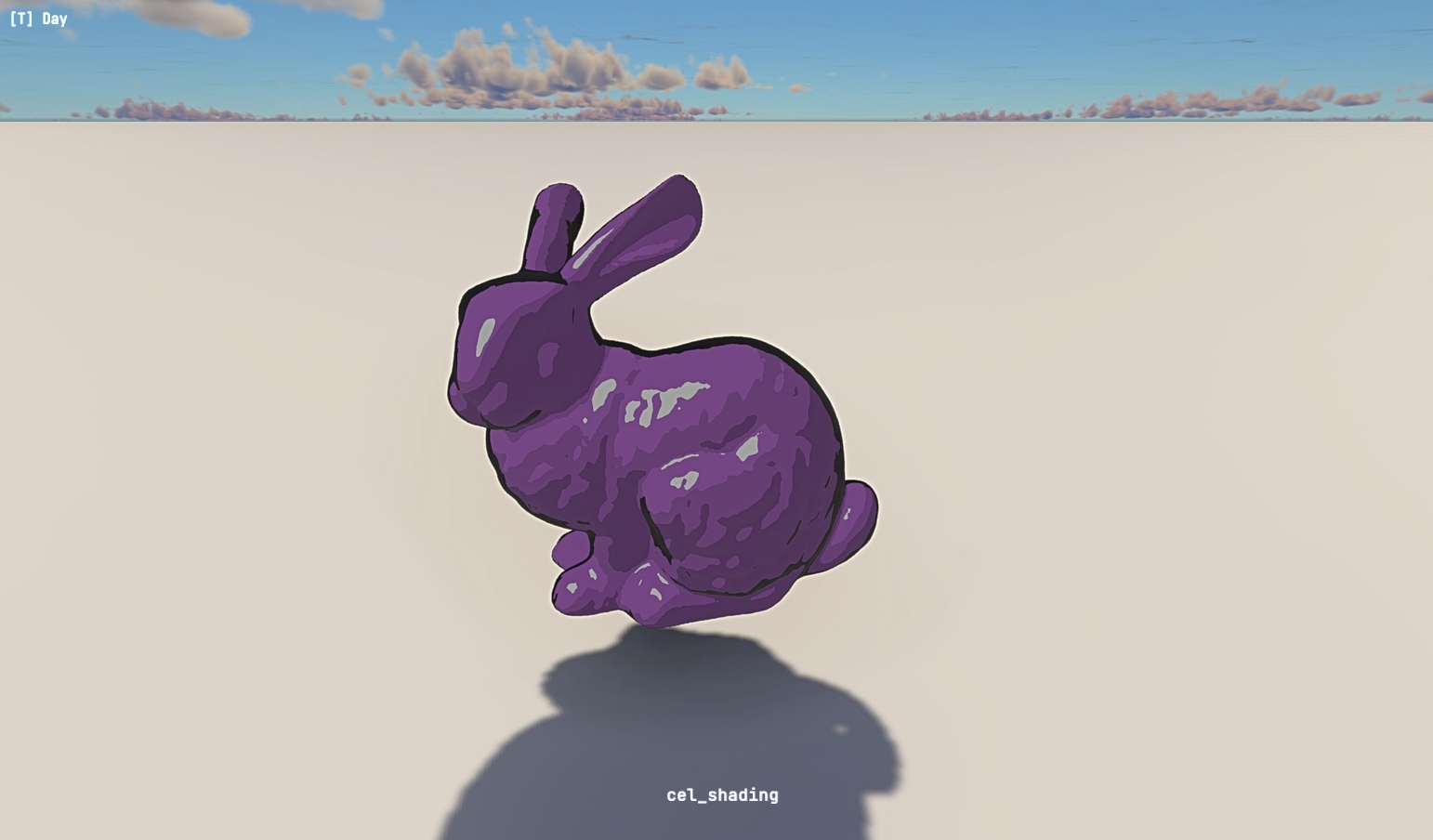
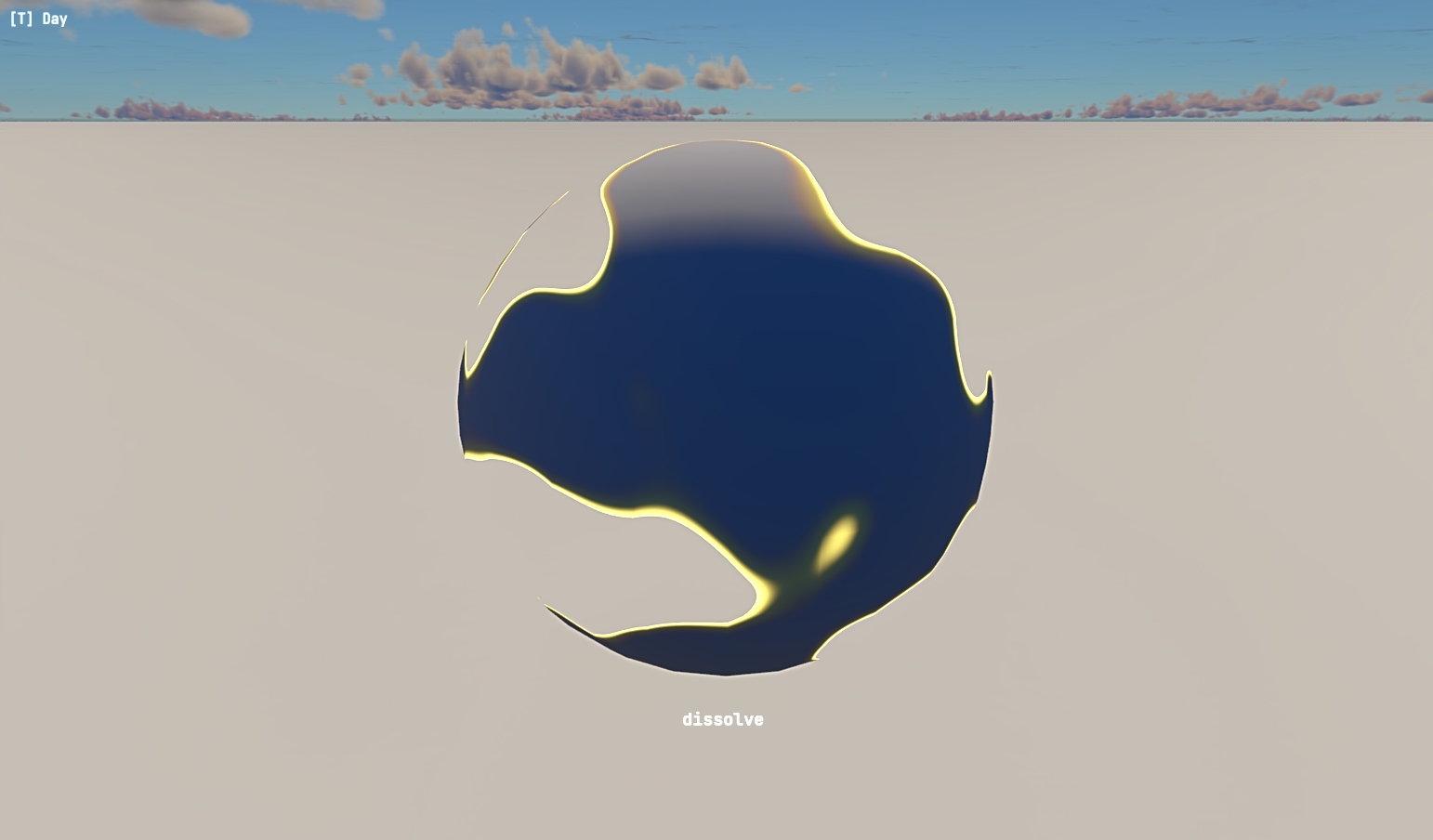
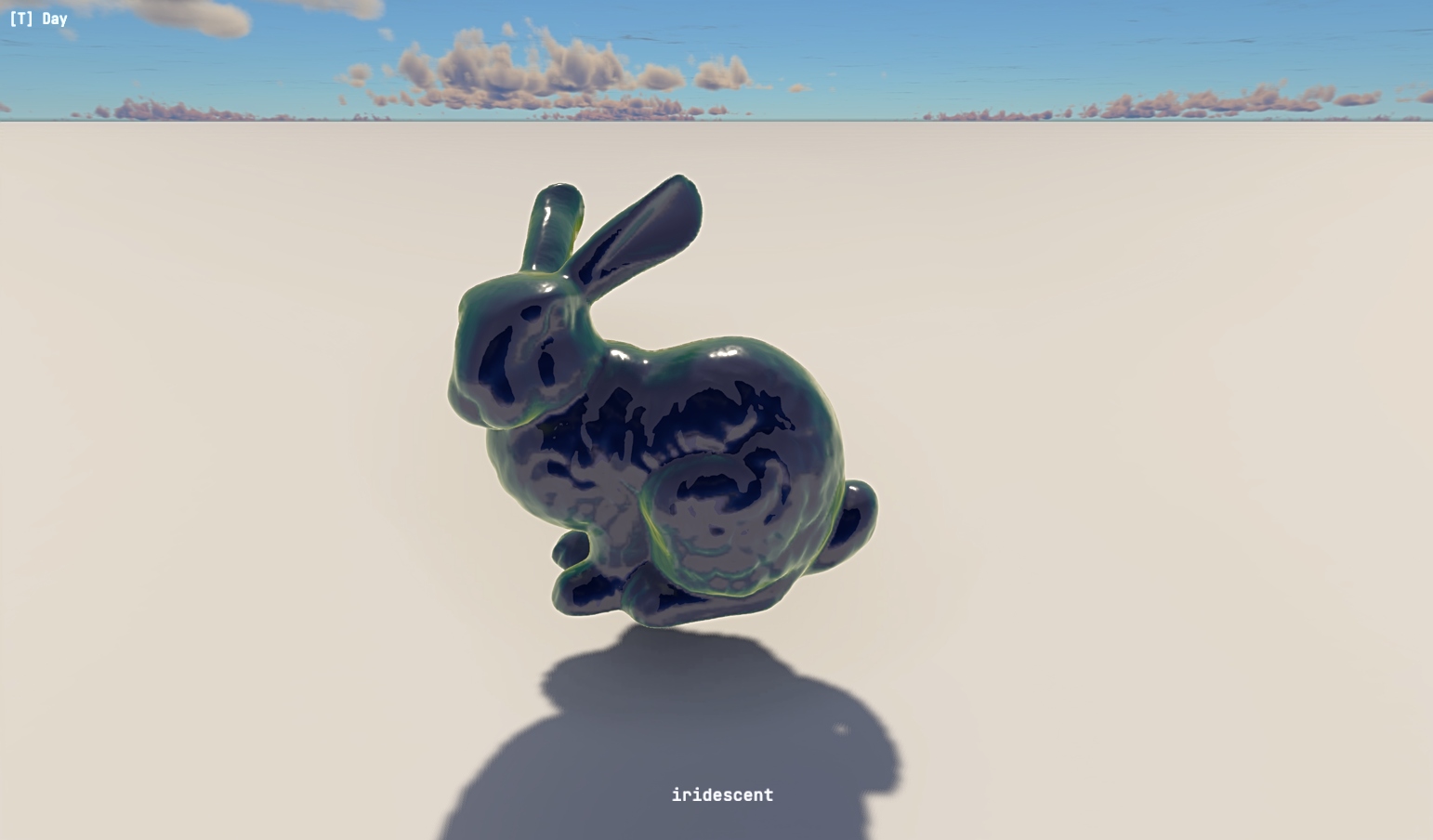
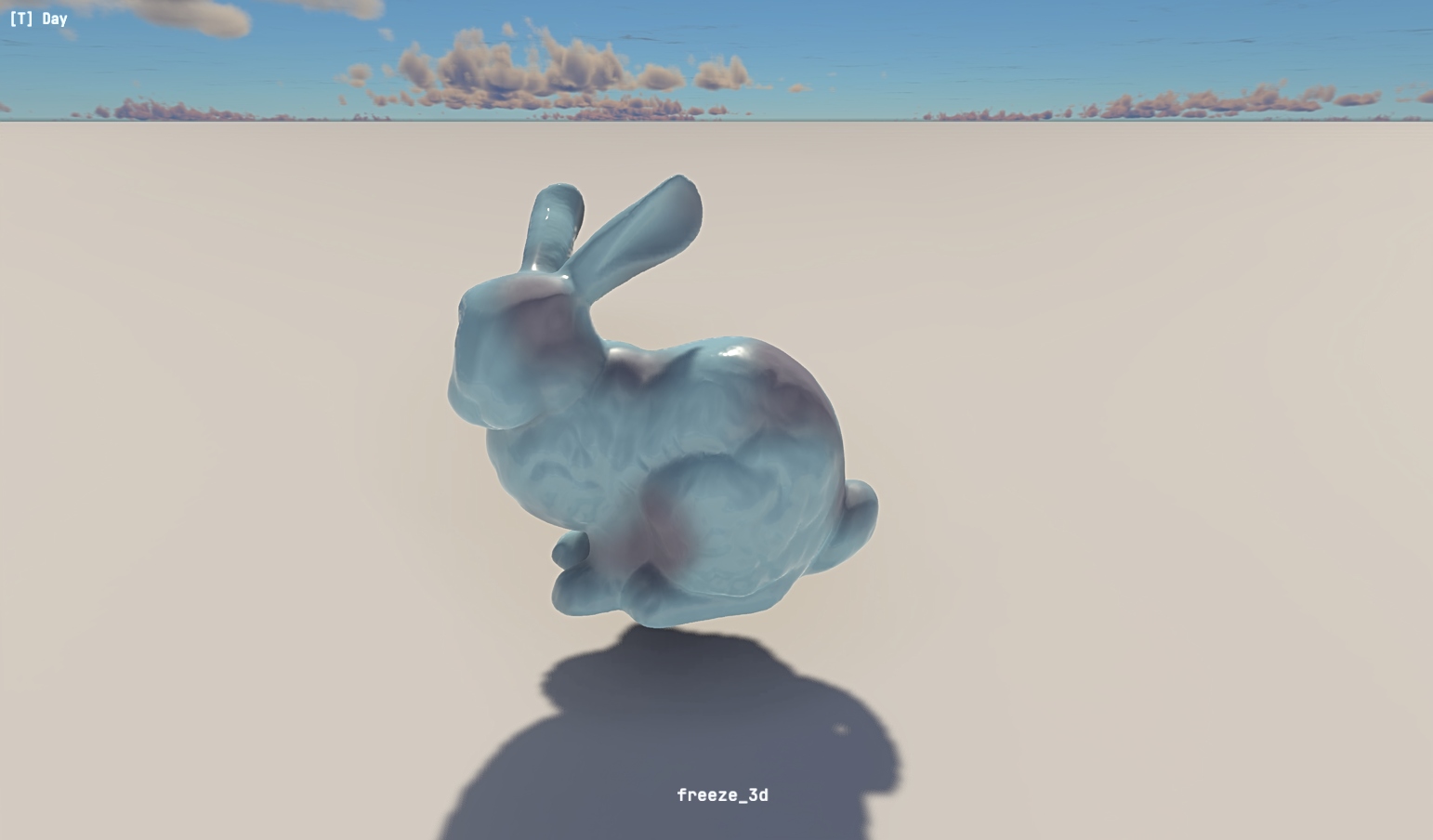
A library of ready-to-use example shaders is included: hologram, dissolve, iridescent, toon/cel-shading, lava, water, force field, triplanar, fresnel, outline, burn, freeze, electric, and more. A separate set of 2D (screen-space) shaders is also available.
Prefab updates
Now "Add empty parent" and "Make prefab root" are allowed for all nodes. No inherited prefabs or nested prefab instances will break - go wild! The engine will handle it.
Format of prefab serialization was tweaked to be simpler and shorter. To automatically migrate all prefabs in the project, use Edit -> Migrate prefabs, or just resave them by hand.
Strudel: pattern-based music engine (experimental)
Daslang's strudel implementation is now available in EdenSpark for procedural and live-coded music. Describe rhythms, melodies and sound patterns with a compact mini-notation DSL.
This implementation extends original strudel.cc with such features as ability to use SF2 SoundFonts and binaural HRTF positioning.
Strudel functionallity is experimental and still under development, so use with caution.
require strudel
let handle = strudel_play(
    note_pattern("<c3 e3 g3 b3>", "sawtooth")
       .slow(2.0lf)
       .set_gain(0.6)
       .set_room(0.7)
)
Translucent surfaces
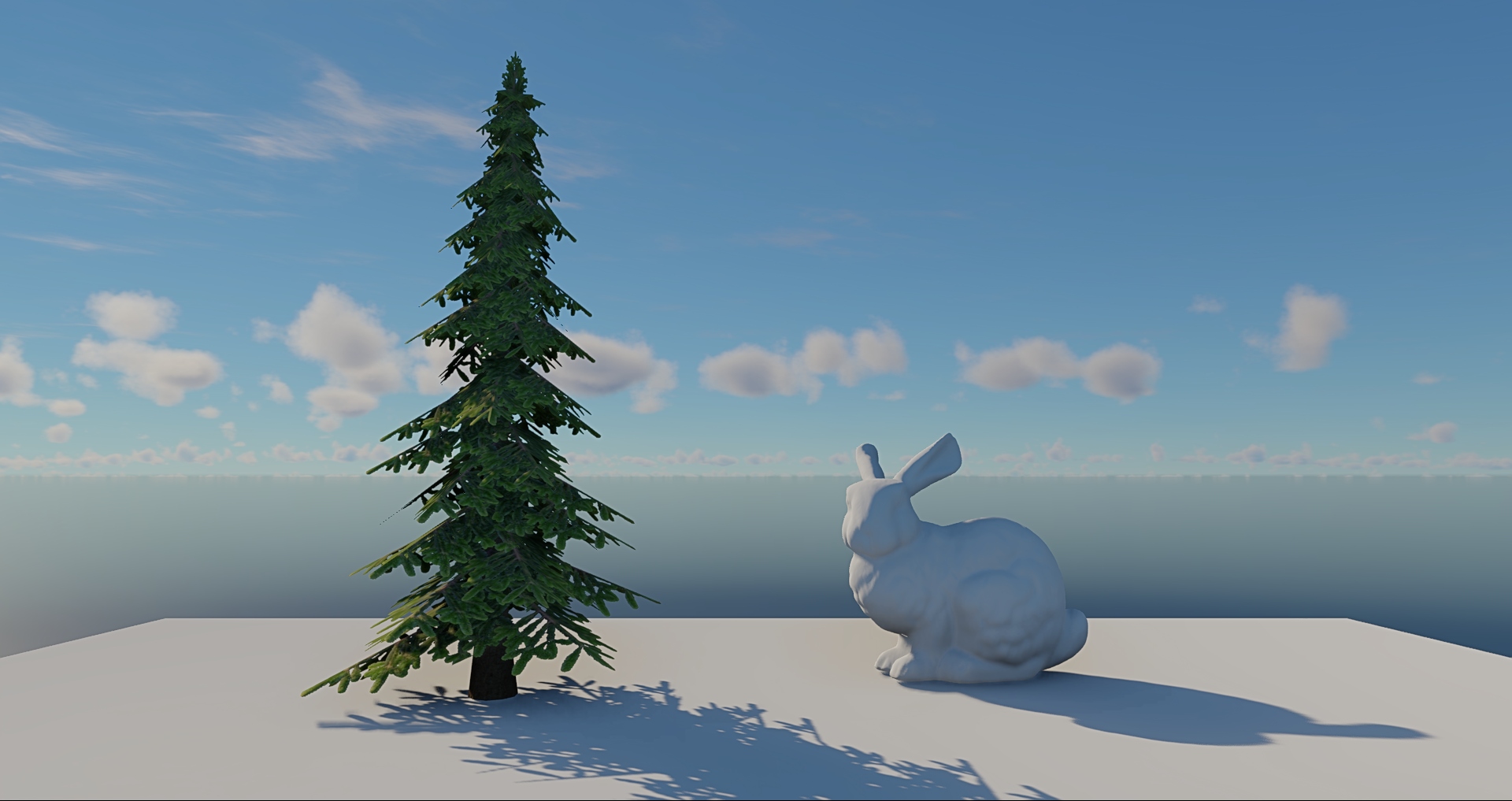
You can now create leaves, curtains or any other thin surfaces with light passing through them to the back side. The amount of light passing is set by the new translucency property in standard_diffuse, standard_specular and standard_metallic shaders. The feature works in both renderers, but HD Renderer simulates subsurface scattering in addition. We also renamed TransparencyMode.Translucent to TransparencyMode.AlphaBlend to avoid confusion. The old value is preserved as an alias for compatibility, but prefer TransparencyMode.AlphaBlend in new code. Material files are not affected.
Converter from Unity game engine to EdenSpark
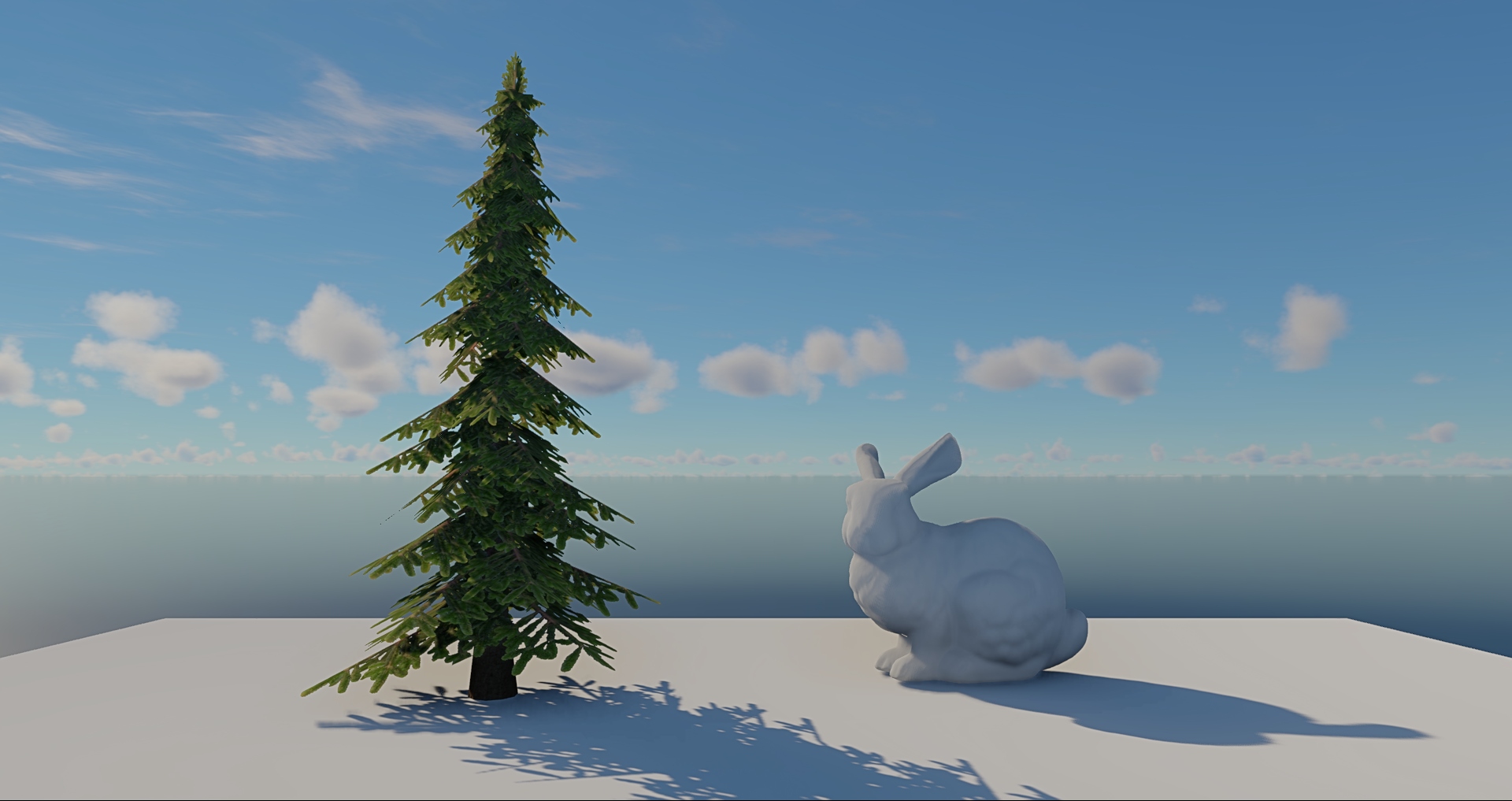
We've released our internal tool for converting Unity projects to EdenSpark. You can install it as a Unity package from this repo. Well, for now its capabilities are very limited, but we'll keep improving it! Keep an eye for a future devlog. Note that the converter isn't technically a part of EdenSpark - it's an external tool that we'll update independently of the release cycle.
Welcome tab in the editor
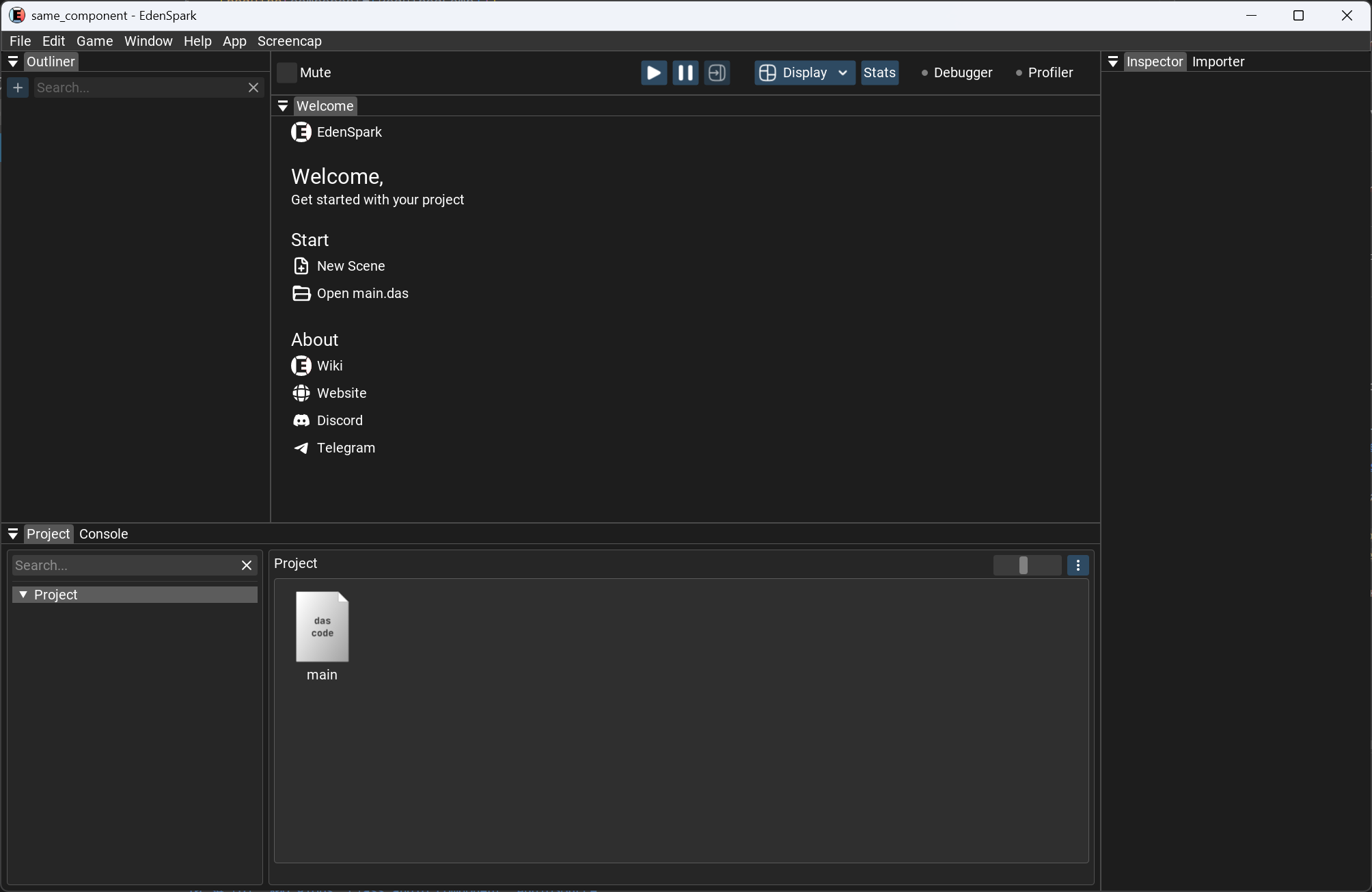
A new Welcome tab is shown in the editor when the app is stopped. It serves as a quick-start hub with shortcuts to create a new scene, open main.das, and jump straight to the documentation, EdenSpark website, Discord and Telegram channels.
📐 API Changes
Daslang: named tuples must be explicit
Breaking change. Named tuples in Daslang now require explicit field names on construction, and mixing named and unnamed fields inside the same tuple is no longer allowed.
Before:
return (x, float3())After:
return (pos = x, dir = float3())DirectionLight → DirectionalLight
DirectionLight has been renamed to DirectionalLight for consistency with the rest of the component naming. The old names are kept as aliases, so existing projects keep working with no changes — but please prefer DirectionalLight in new code.
Cleaner physics API
Physics API has been refreshed — the rigid_body part in function names was redundant since the first argument is already a RigidBody, so it was dropped for cleaner call sites.
apply_rigid_body_impulse, apply_rigid_body_angular_impulse, apply_rigid_body_force, apply_rigid_body_torque, get_rigid_body_velocity_at are deprecated. Use the shorter apply_impulse, apply_angular_impulse, apply_force, apply_torque, get_velocity_at instead.
Pixel shaders in Daslang
Some shader graph nodes have changed their input list. Existing shader graphs that use these nodes must be updated manually.
TransparencyMode.Translucent → TransparencyMode.AlphaBlend
TransparencyMode.Translucent has been renamed to TransparencyMode.AlphaBlend to avoid confusion with the new translucency property in materials. The old value is preserved as an alias for compatibility, but prefer TransparencyMode.AlphaBlend in new code. Material files are not affected.
✨ Added
- Inertial blending support in the Animator component
- A new AudioLoadType.Auto mode lets the engine decide how each sound should be played: short sounds are decoded into memory once, while longer ones are streamed from disk. No more guessing the right LoadType per asset — just pick Auto and the engine handles it.
- Allowed "Add empty parent" and "Make prefab root" for all non-prefab nodes
- Save Mesh option in the right-click context menu for mesh resources in the Inspector
- Unity to EdenSpark project converter (WIP)
- Welcome tab shown when the game is stopped, with "New Scene" and "Open main.das" quick actions
- Links to documentation, website, Discord, and Telegram in the Welcome tab
- Bloom component for setting up bloom effect in both renderers
- Blur component to enable blur in Standard Renderer, which can be used for blurring backgrounds of your games when used together with rendering into a render target
- HDWater component for adding realistic water to your scene when HD Renderer is used
- HDExposureAdaptation component to tune exposure adaptation in HD Renderer
- Pixel shaders written in Daslang — .shader files with hot-reload and per-material properties
- translucency property to standard_diffuse, standard_specular and standard_metallic shaders that enables light transmission through the surface
- Grid layout on the Home tab replacing the horizontal scroll area
- "Other Downloaded Games" section for games beyond the 12 most recent
- About popup with version info, documentation, and community links
- Notifications on game download completion, clicking redirects to the game's page
- Gemini CLI is now supported in new projects with the same EdenSpark + Context7 MCP setup as Claude Code.
- GitHub Copilot in VS Code is now wired up to the EdenSpark and Context7 MCP servers — no manual setup needed.
- MCP tool to list every component on a given scene node, with all its field values
- MCP tool to find every node in the scene that has a given component type (e.g. "find all cameras", "find all lights")
- MCP tool to list every component type that exists in the current project
- MCP tool to read the editor viewport camera — position, look direction, fov, near/far, perspective vs orthographic
- MCP tool to restart the game
- MCP tool to switch between the editor tabs (Scene, Game, Prefab)
- MCP tool to toggle the fullscreen game view (editor UI hidden)
- strudel module — core pattern engine: s(), note_pattern(), stack(), cat(), fast(), slow(), rev(), jux(), off(), every(), degrade(), euclid(), and more
- Mini-notation parser — "bd [sd sd] hh cp", <alternation>, *, /, @, ?, : modifiers
- Built-in synthesisers — sine, sawtooth, square, triangle oscillators; bd, sd, hh, cp, tom, ride drum voices
- Per-event effects — set_gain, set_pan, set_room / set_roomsize, set_delay/ set_dela ytime / set_delayfeedback, set_lpf/set_hpf, ADSR envelope, set_fm / set_fmh, per-orbit FX bus routing
- Convolution reverb — partitioned overlap-save with synthetic impulse response; per-orbit independent FX chains
- HRTF binaural positioning — set_hrtf(az, el), set_hrtf_azimuth, set_hrtf_elevation for 3D sound placement using CIPIC measurements
- Scale system (strudel / strudel_scales) — set_scale("C4:pentatonic") maps pattern indices to scale degrees; supports major, minor, modes, pentatonic, blues, chromatic, and more
- Continuous signals — signal_sine(), signal_saw(), signal_perlin() etc. usable as pattern parameter values for smooth modulation
- SF2 SoundFont synthesis — strudel_load_sf2 + full GM program mapping across 128 instruments
- Tempo control — strudel_cps(), strudel_bpm()
- Playback API — strudel_play() returns a StrudelHandle; strudel_stop(), strudel_pause(), strudel_volume()
🔧 Improved
- Stale cache files for assets that no longer exist are now automatically removed from .project/cache/res/, keeping the cache folder lean over time
- Editing colliders in the scene editor is now more reliable: several issues that could cause unwanted shapes to appear, incorrect debug bounds, and lost edits have been addressed. The currently edited collider is also highlighted in the viewport so it is easier to see what you are working on.
- Sphere primitive now defaults to Cube Sphere instead of UV Sphere for better vertex and UV distribution
- UV Sphere is still available as an alternative sphere type
- External editor command in editor settings now supports macros: {file}, {line}, {project}. Quote the executable path if it contains spaces. Example: "C:\Program Files\Sublime Text\subl.exe" {file}:{line}. If no macros are present in the command, the file path is appended automatically.
- Added tests covering the new button action behavior
- Navigational keys on numpad are now supported in the editor
- Prefab saving is no longer an editor action and cannot be undone/redone
- The format of prefab serialization is more concise
- Added missing documentation for the SpriteRenderer component
- Active/hover/focus state handling for the Prefab/Scene/Game tabs reworked alongside the new Welcome tab
- Pasting from the Win+V clipboard history popup into editor text fields now works.
- Browse tab filters now persist across tab switches
- Likes and comments are now visually separated from plays/downloads and look clickable
- Exported game archives now use the game name (without special symbols) as the filename
- High-quality preview images are now loaded in the browse tab
- Game list scroll position is preserved when navigating back from a game page
- Error messages shown when liking or commenting with an expired session
- MCP scene-inspection tools now also work with opened prefabs
- MCP status tool now also reports the open prefab, the active tab, and fullscreen mode
- Debug rendering in HD Renderer is now unaffected by TAA and stays crisp without ghosting
- Render settings are now created according to the renderer selected for the project
- SSAOSettings component now fully works in HD Renderer
- Shader bytecode compiler now generates fewer instructions
🐛 Fixed
- Fixed a crash/hang that occurred when a model had a material remapping that referenced itself, creating a recursive asset dependency cycle
- Fixed a bug where exporting the project as a .zip archive failed
- Button actions no longer trigger a stale "pressed" state when an action set is activated while the button is already held down (new isValidPress field on ActionState)
- Same-frame press and release events are now handled correctly
- Screenshots container sizing has been fixed for non-standard resolutions
- "Console" tab is now colored orange when there are warnings in the output
⚠️ Known Issues
- The Win+V popup itself still opens in the screen corner instead of next to the text field.
EdenSpark Game Jam #2 Is Almost Here — Gather Your Teams and Get Ready
The second monthly EdenSpark Game Jam kicks off on June 1 — and the page is already open for registration.
EdenSpark Game Jam #2 Theme — "Mass Control"
We're launching the second EdenSpark jam! Reminder: within the jam program with a total prize pool of $250,000, $5,000 is awarded for each jam.