Game Showcase: Play, Learn, Create
Get started easily! Explore existing projects, create your own games, and share with friends!
Today we'll show you how to take your first steps with EdenSpark – explore the engine's capabilities, study the code, and start creating your own games. Let's get started!
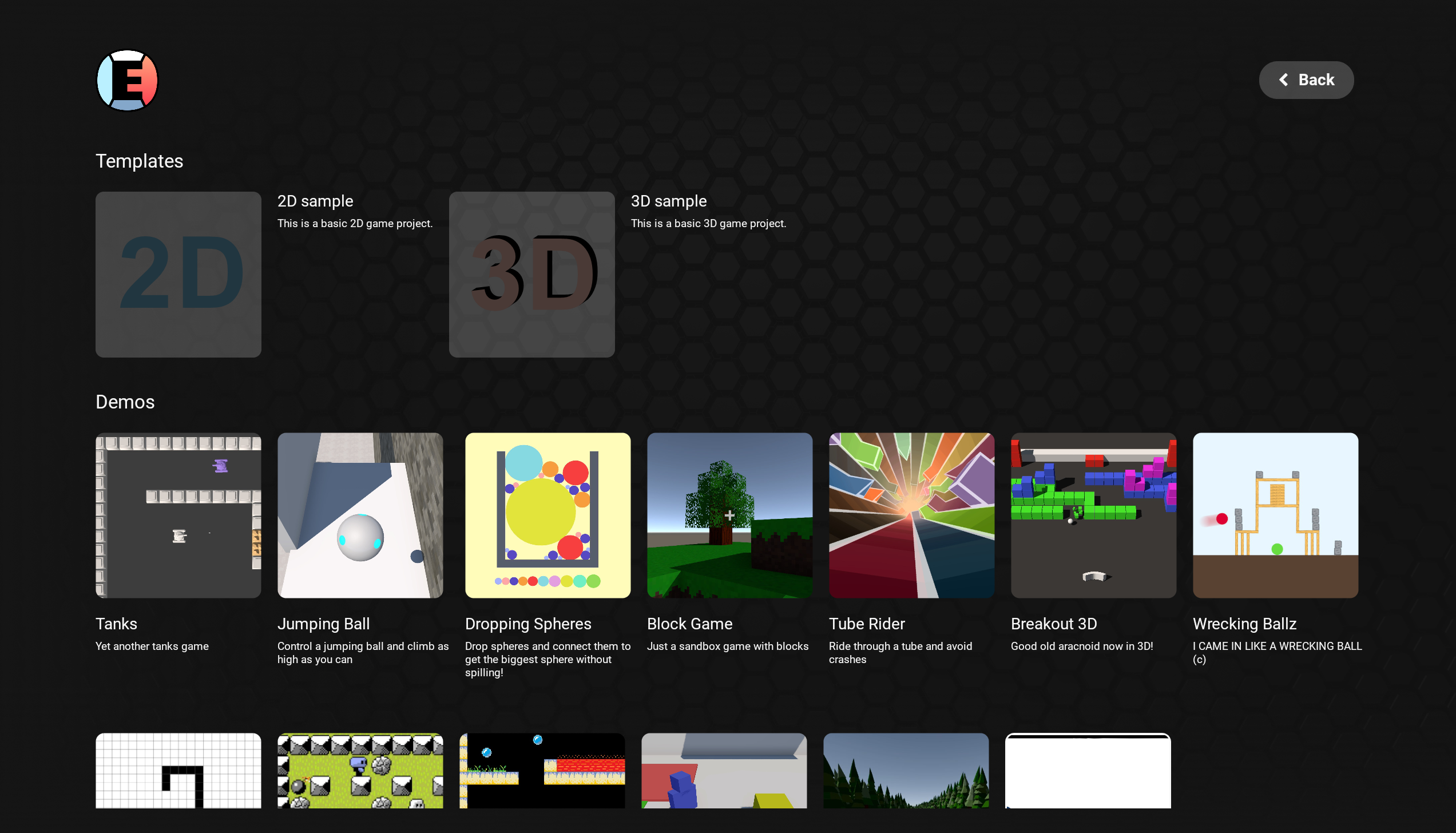
EdenSpark starts with a launcher where you'll see all the games you've created stored on your device. Don't have any games yet? No problem, head to the "My Games" section, where you'll find a showcase of games. This is where your EdenSpark adventure begins – head to the templates section, where you can start a new project in 2D or 3D, or browse demo games like tanks, snake, racing, and other classics. These aren't just exciting little games created in EdenSpark, they're also inspirational – click the "Clone" button, and the chosen minigame will become the basis of your project!
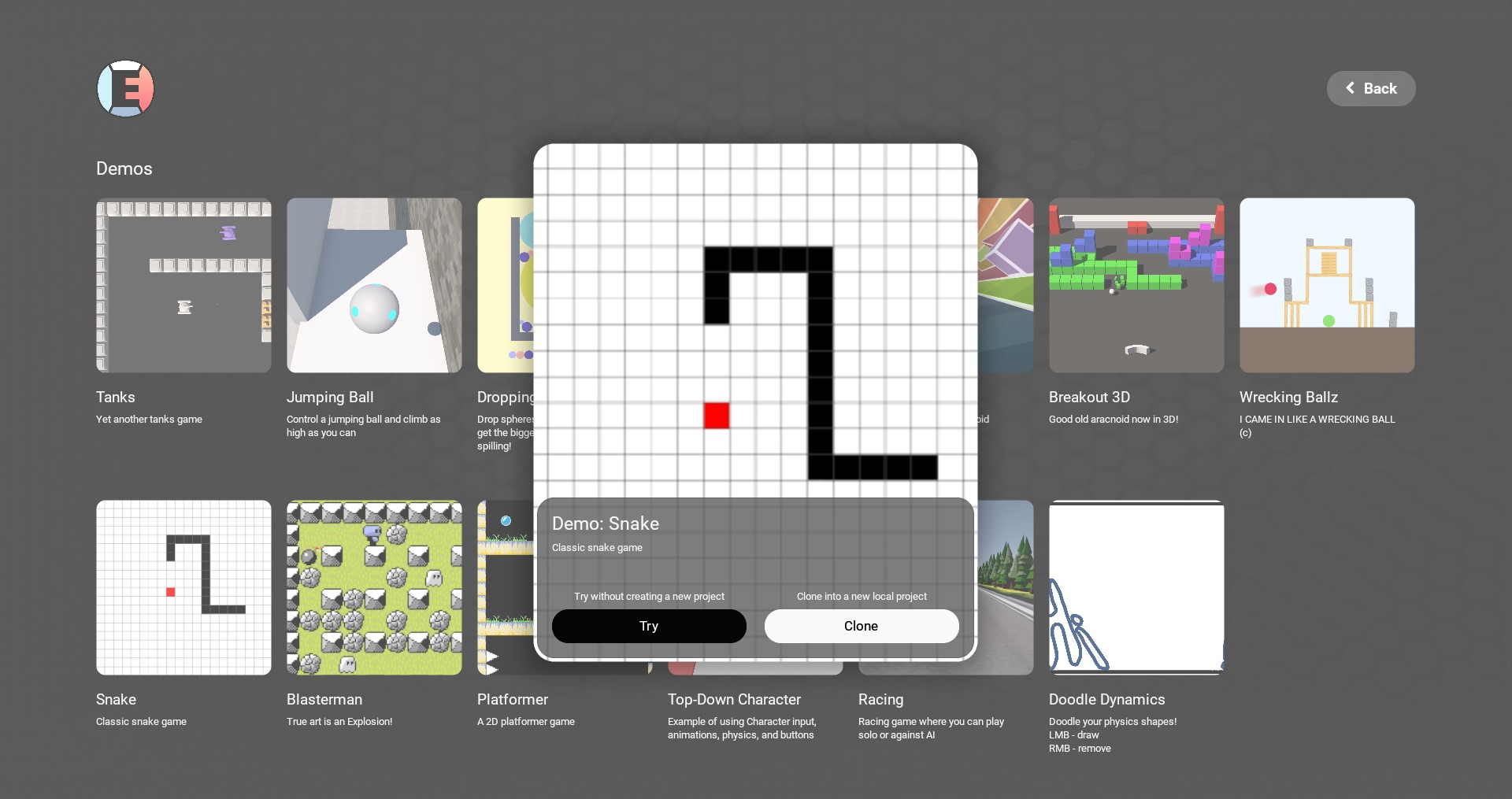
In the "Editor" mode, you have unlimited freedom to modify everything from cosmetics to creating entirely new projects based on the logic of your favorite demo. You'll have full access to the demo project's source code and all the tools you need to create your own game. The best kind! Save and share your game on the EdenSpark platform in just a few clicks, it will now be available to all users in the "Preview" section.
Welcome to the exciting adventure of game development with EdenSpark!